

White Shoe Chrome Extension
Your AI outside counsel everywhere you work. Get instant legal insights, risk analysis, and compliance checks right in your browser.
Free to install • Available for Junior Associate and higher subscribers
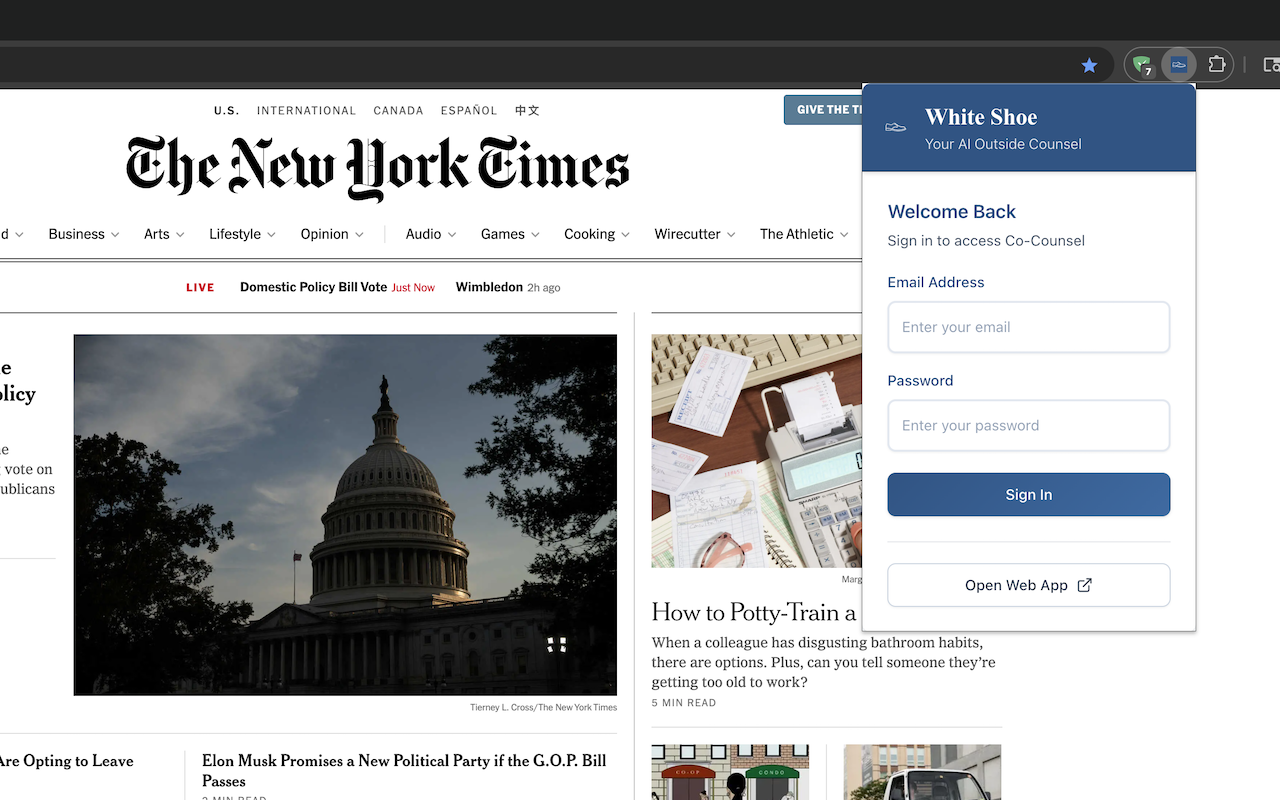
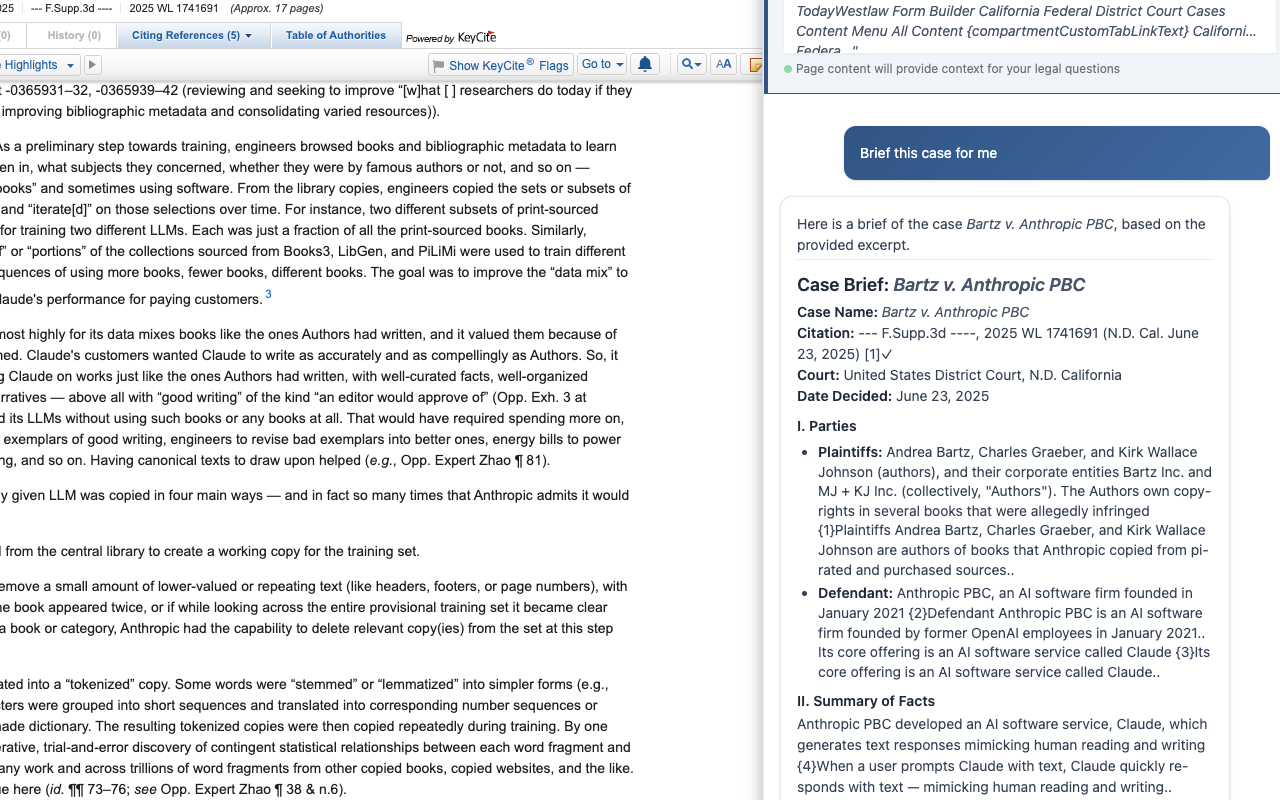
Transform Any Webpage Into a Legal Research Powerhouse
Our Chrome extension brings White Shoe Co-Counsel and your Firm IQ directly into your browser.
News Analysis
Get instant legal insights on news articles, blog posts, and online content
Context-Aware Legal Research
AI understands what you're reading and provides relevant legal analysis
Quick Co-Counsel Access
Chat with your AI legal assistant from any webpage
Document Summarization
Analyze contracts, research case law, and get instant legal insights

Key Features
Powerful legal AI capabilities built into your workflow
Real-Time Risk Analysis
Highlight any text to get instant legal risk assessments and recommendations
Compliance Checking
Automatically scan documents and communications for compliance issues
Seamless Integration
Works with Gmail, Slack, Google Docs, and all your favorite web apps
How It Works
Simple, powerful, integrated
Install & Authenticate
One-click install from the Chrome Web Store and connect to your White Shoe account
Highlight & Analyze
Select any text on any webpage to get instant legal insights and risk analysis
Get Actionable Insights
Receive tailored recommendations and compliance guidance specific to your company
Ready to Transform Your Browser Into a Legal Powerhouse?
Install the White Shoe Chrome Extension and bring AI-powered legal insights to every webpage
Questions? Contact our team or visit our help center
Frequently Asked Questions
Is the Chrome extension free?
Yes! The extension is free to install from the Chrome Web Store. You need a White Shoe subscription (Junior Associate or higher) to use its features. View pricing →
Do I need a White Shoe subscription?
Yes, the Chrome extension requires an active White Shoe subscription at the Junior Associate level or higher. The extension connects to your White Shoe account to provide personalized legal insights based on your Firm IQ.
What websites does it work with?
The extension works on any website where you can select text, including Gmail, Slack, Google Docs, news sites, legal research databases, contract management platforms, and more. It's designed to provide legal insights wherever you're working.
How does it protect my data?
The extension follows the same enterprise-grade security standards as our main platform, with end-to-end encryption and no permanent data storage on local devices. All data is transmitted securely to White Shoe servers and processed according to our privacy policy.
Can my whole team use it?
Absolutely! Every team member with a Junior Associate or higher subscription can install and use the Chrome extension. Each user gets personalized insights based on their role and permissions within your organization.
Does it work offline?
No, the extension requires an internet connection to provide AI-powered legal analysis. It needs to communicate with White Shoe servers to access your Firm IQ and generate insights.
Will it slow down my browser?
No. The extension is lightweight and only activates when you need it. It won't impact your browser's performance during normal use.
Is there a Firefox or Safari version?
Currently, the extension is only available for Chrome and Chromium-based browsers (like Edge, Brave, and Opera). We're exploring support for other browsers based on user demand.